VULT is now live on iPhoneDownload on the App Store

DEBT PAYOFF PLANNER

Turn a debt total into a path back to zero.

Compare avalanche, snowball and your own payoff order, then see the projected time and interest instead of choosing a strategy by name alone.

Try it in VULT Get VULT for iPhone
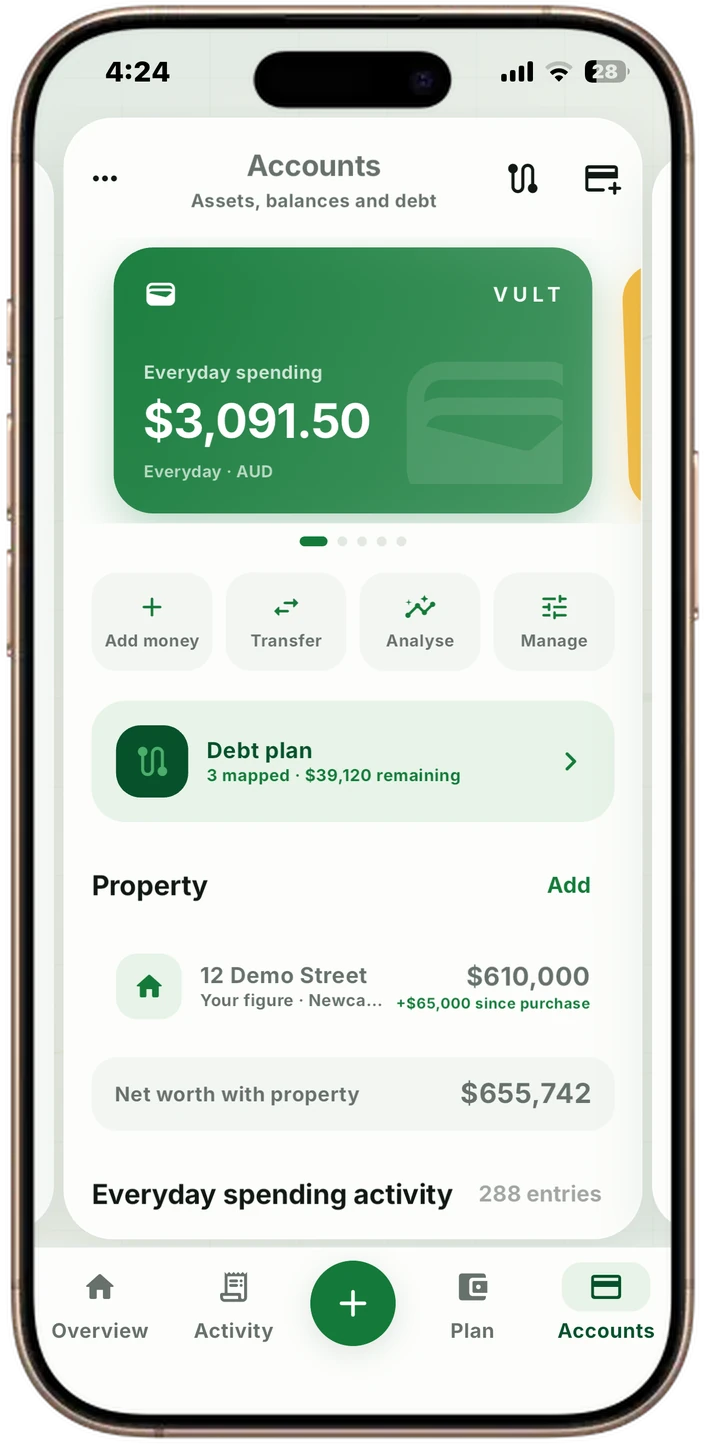
VULT accounts screen showing balances, property and an active debt plan
3 approachesAvalanche, snowball or your order
Useful comparisonTime and estimated interest
InteractiveAdjust extra repayments and scrub the curve
01

Compare the trade-off before committing

The avalanche method usually prioritises the highest interest rate. The snowball method usually starts with the smallest balance. VULT also lets you set a custom order when there is a practical reason to handle one debt first.

The comparison uses the balances, rates, minimum payments and extra amount you enter. It shows a projected clear date and estimated interest beside a minimum-only baseline so the difference is visible.

  • Balance, interest rate and minimum repayment fields
  • Extra repayment control
  • Minimum-only comparison
  • Continuous chart scrubbing
02

Keep debt in the budget it affects

A payoff strategy is only useful if the repayment fits the rest of the plan. Add the planned payment to the relevant budget line and include its due date in recurring bills. That keeps the chart, cash flow and weekly decisions connected to the same number.

03

A planning estimate, not a promise

Debt projections assume rates, fees and payments stay as entered. Real lenders can calculate interest differently, change rates or add fees. VULT is a general planning tool, not a lender, credit provider or source of personal financial advice. Check statements and seek qualified help if you are unsure.

FINANCE MANAGER

Ask your budget a question.

Ask about spending, cash flow, goals or debts, get help finding a feature, or ask about a selected purchase. Finance Manager uses the information saved in VULT and adds a chart when it helps.

How to use it

  1. Open More → Chat → Finance Manager, or Chat in the desktop navigation.
  2. Ask a question or use @manager in a household conversation.
  3. For an expense or income draft, choose Review and add. Check or edit the details before saving.

Your private thread keeps the latest 60 messages and up to 12 remembered preferences, goals, routines or constraints. Start a fresh thread to clear both. Private memory stays out of household chats.

Signed-in members get 30 successful replies per local day. AI responses can be wrong; check the figures. General information only, not personal financial, tax, credit or investment advice.

YOUR MONEY, ORGANISED

Put this feature inside a plan you can keep.

Build the plan, see the pattern and keep the useful habits moving.