
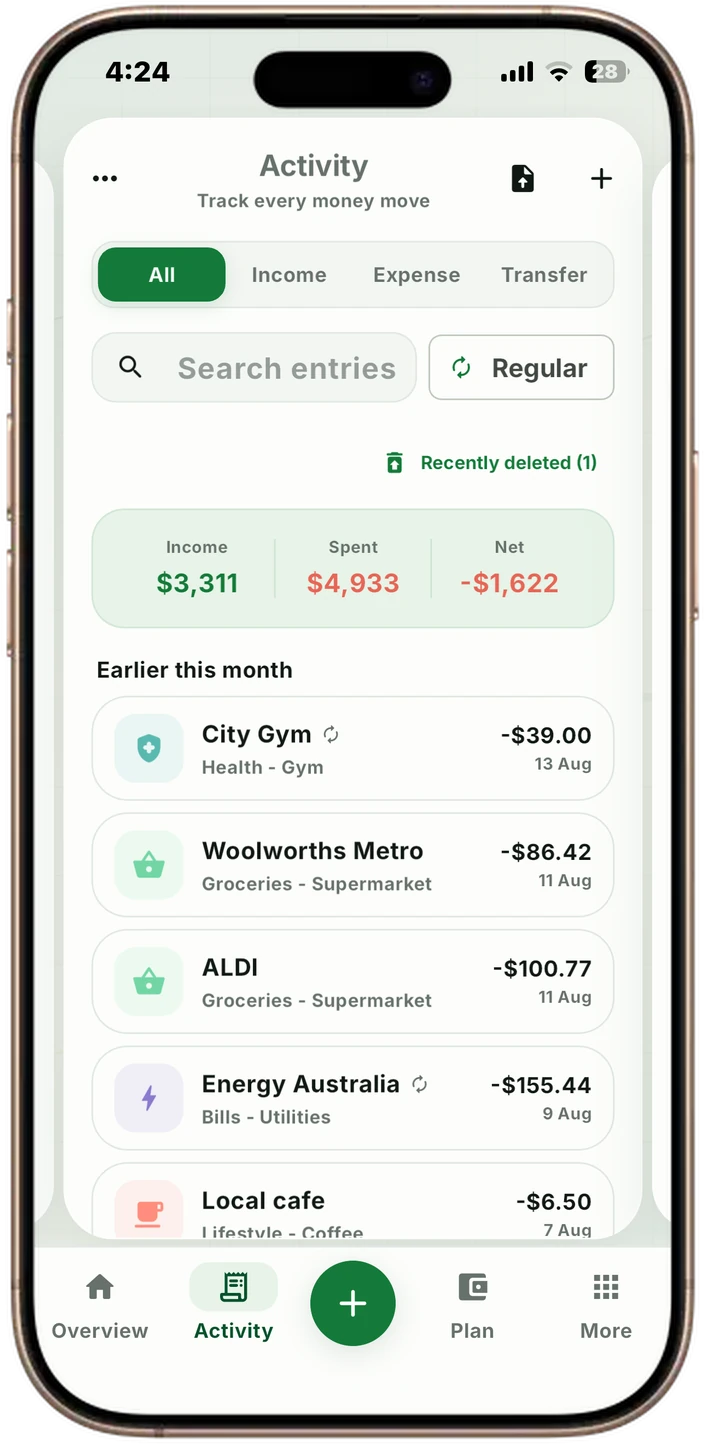
A statement is a table, so VULT reads it as one
Most import errors come from flattening a statement into a wall of text: two rows merge, a wrapped description swallows an amount, and a month arrives short. VULT reads the columns instead. The date column is found from the rows themselves, the amount and running balance are taken from the right margin, continuation lines are folded back into the row they belong to, and marginal print such as batch codes is dropped before anything is grouped.
None of it is written for one bank. The rules are general — where the date sits, which columns hold money, whether the format prints a sign on its debits — and the parser is tested against two unrelated statement exports of the same account.
- PDF and CSV statements
- Column-aware reading, not text scraping
- Works across statement layouts, not one bank's format
The statement is its own checksum
Every line prints a running balance and the summary prints opening, closing and totals. That makes the document checkable: opening plus money in, less money out, has to land exactly on the printed closing figure. VULT runs that check on every import.
When it balances, the import is exact and no language model is involved in reading the rows at all. When it does not, VULT says so and names the reason instead of filing a month that is missing two thirds of its transactions.
- Row-by-row balance chain
- Opening, credits, debits and closing all checked
- A short read is reported, never silently accepted
Transfers, names and re-imports
You name the account a statement belongs to and the accounts it might reference before the file is chosen, because nothing inside a bank file says which account it is. Money moved between two of your own accounts is matched to those accounts and recorded as one transfer rather than counted twice. A transfer VULT cannot match to an account you named stays an ordinary expense — a wrong category is visible, a silently moved balance is not.
Narrations are tidied into names a person would write: MCDONALDS THORNTON THORNTON NSWAU becomes McDonald's, and the printed line is kept in the entry's note so it can always be checked. Categories are applied per merchant, so correcting one corrects every entry from the same place.
Two exports that overlap can both be imported. VULT counts transactions by date, amount, direction and account rather than by wording, so shared days add nothing and the missing days still arrive.
- Internal transfers matched to accounts you named
- Readable merchant names, full narration kept in the note
- Change one category, change them all
- Overlapping exports import without duplicates
Nothing changes until you can undo it
Every import saves a restore point of the whole budget first, on your device, so a file that went in badly is one tap to reverse. Imports are limited to three a day: they cost real money to run, and a limit keeps the focus on getting one import right rather than retrying a bad one.
VULT still does not connect to online banking and never asks for a banking password. A statement file is the middle path — far less typing than manual entry, with a deliberate review before anything joins your budget.
Your data remains portable
Eligible members can export VULT data to CSV for spreadsheets or PDF for a readable snapshot. Export is for access and organisation; it is not a certified accounting report, tax statement or substitute for records supplied by a financial institution.